Hunter Douglas PowerView® Automation makes it possible to control your window shades with an app, a handheld remote, or scheduled adjustments throughout the day. But before choosing a system, there are a few practical questions worth answering. Do you need a gateway? Can you operate your shades without a smart speaker? And what happens if your home already has older PowerView shades?
At Window Works Studio in Jamestown, NC, we help homeowners throughout Greensboro, High Point, Winston-Salem, and the surrounding Piedmont Triad choose Hunter Douglas window treatments that suit their rooms and everyday routines. Here is what to know about PowerView Gen 3 before planning your installation.
What Is Hunter Douglas PowerView Gen 3?
PowerView Gen 3 is Hunter Douglas’s third-generation automation system for compatible motorized window treatments. It allows you to adjust individual shades, operate groups of shades, and create preferred positions without manually raising or lowering each treatment.
Unlike older PowerView systems, Gen 3 uses Bluetooth® communication between compatible shades and controllers. The PowerView App is used to set up the system and program its remotes, making it possible to customize your home’s controls as your needs change.
The main decisions are how you want to operate your shades, how many windows you plan to automate, and whether you want to connect them with other smart-home technology.
How Can You Control PowerView Shades?
There are three main ways to use PowerView Gen 3, depending on your setup.
1. The PowerView App
The PowerView App lets you operate compatible shades from your smartphone or tablet. You can adjust a single treatment, manage shades by room, and save favorite positions through Scenes.
For example, a morning Scene could open the shades in your kitchen while keeping the bedroom darker. An evening Scene could lower the living room shades for privacy without requiring you to adjust each window separately.
With a basic Gen 3 setup, your phone communicates locally with the shades through Bluetooth. You do not need to purchase a separate gateway simply to control nearby compatible shades through the app. However, you will need an internet-connected phone or tablet for account setup and certain system functions.
2. The PowerView Gen 3 Remote
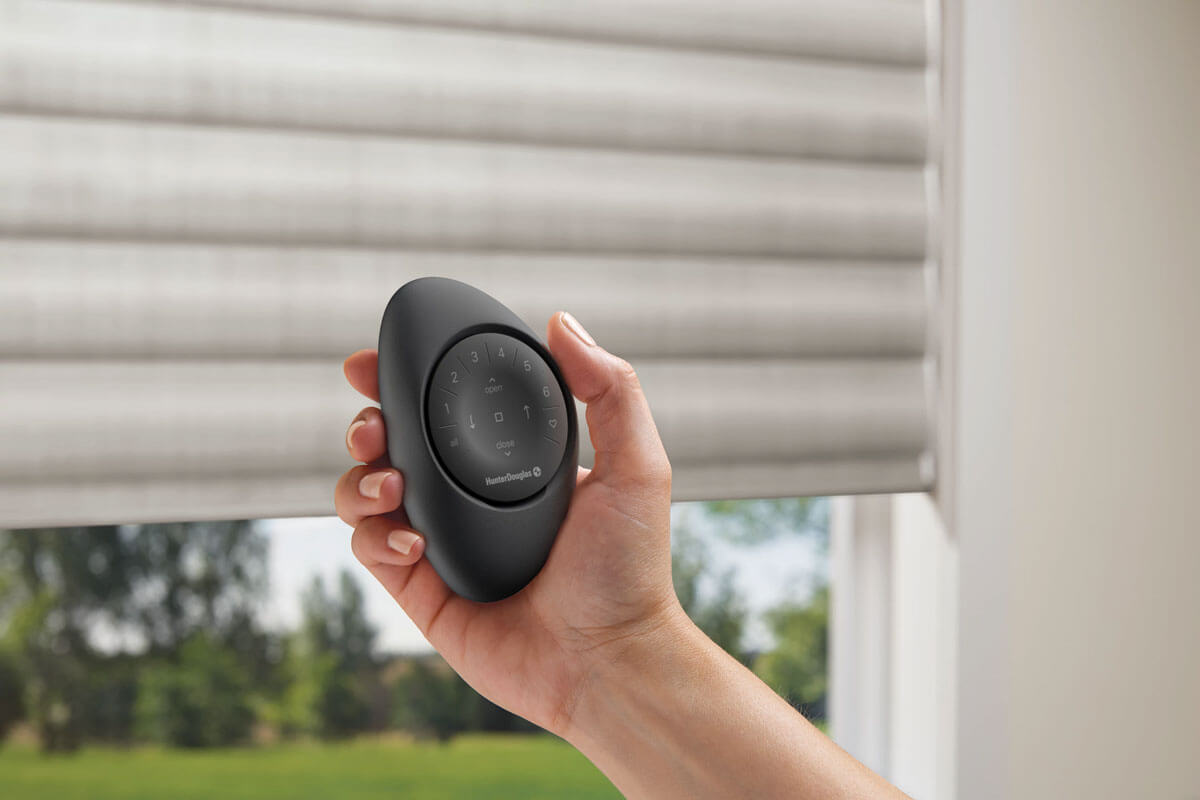
If you prefer a physical control, the PowerView Gen 3 Remote provides straightforward operation without having to reach for your phone. You can use it to operate individual groups of shades, adjust their positions, and stop movement when needed.
The remote can sit inside a handheld Pebble® holder or a wall-mounted Surface holder. One remote can be configured for several groups of shades, making it practical for rooms with multiple windows.
The important detail is that Gen 3 remotes must first be configured through the PowerView App. The newer remote hardware should also be matched with the correct generation of shades.
3. Smart-Home and Voice Control
For homeowners who want to operate their shades through compatible smart-home systems or voice assistants, PowerView Gen 3 can provide an additional level of integration.
This is where a PowerView Gen 3 Gateway or Gateway Pro becomes necessary. A gateway connects the shades with supported integrations and also enables Hunter Douglas RemoteConnect™ for controlling the system when you are away from home.
Before ordering, it is worth checking which smart-home devices and platforms you already use. Compatibility and the appropriate gateway setup should be confirmed for your specific installation.
What Can PowerView Scenes and Schedules Do?
One of the most useful parts of PowerView Automation is the ability to make shade adjustments part of your daily routine.
A Scene is a saved arrangement of shade positions. You might create one for watching television, another for brightening the living room, and another for evening privacy.
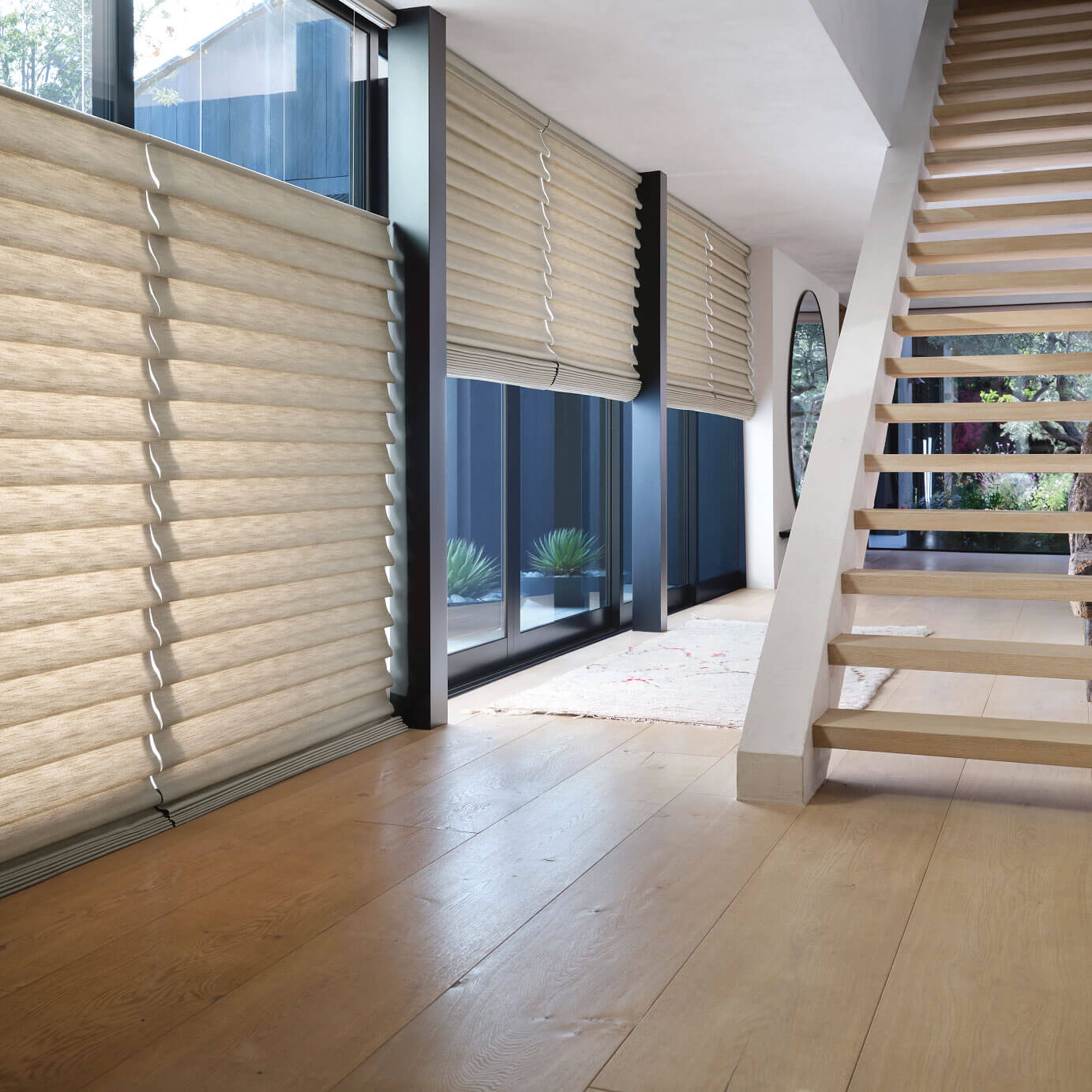
A Schedule tells the system when to activate a Scene. Depending on your preferences, shades can adjust at certain times of day or around sunrise and sunset.
These settings are particularly useful for windows that receive strong afternoon sunlight or rooms where your privacy needs change throughout the day.
Schedules can operate without a gateway, but a gateway helps maintain accurate timing by regularly updating the shades’ internal clocks. Without one, the nearby PowerView App provides those updates. For homeowners who travel frequently or have shades throughout a larger house, a gateway is often the more dependable setup.
Do You Need a PowerView Gateway?
Not every PowerView installation needs the same equipment. Here is a practical way to think about it:
- Small setup with local app or remote control: A gateway may not be necessary.
- Several rooms with numerous automated shades: A gateway may help provide more consistent operation and scheduling.
- Voice assistants or supported smart-home integrations: A compatible Gen 3 gateway is required.
- Control while away from home: A gateway connected to the internet is required for RemoteConnect.
Hunter Douglas offers both a standard Gateway and a Gateway Pro. The best choice depends on the number of shades, the home’s layout, connectivity needs, and any larger automation plans.
There is no reason to purchase more technology than your home needs, but it is equally important to think about future rooms you might want to automate.
Which Window Treatments Work With PowerView?
PowerView Automation is available with a range of compatible Hunter Douglas window treatment products, but the exact operating options depend on the treatment collection and configuration.
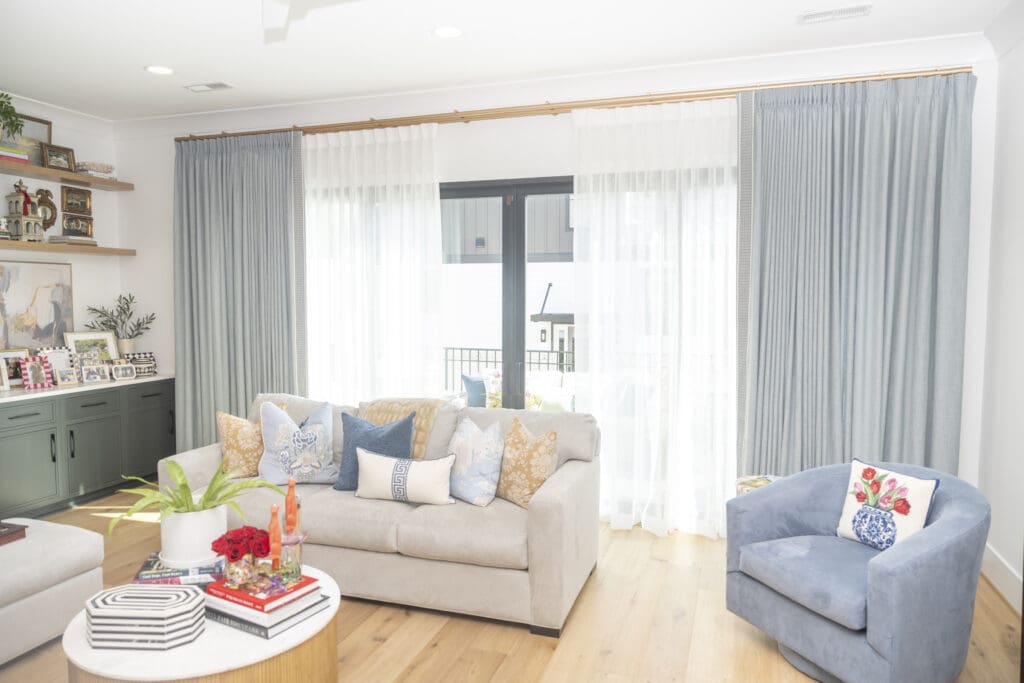
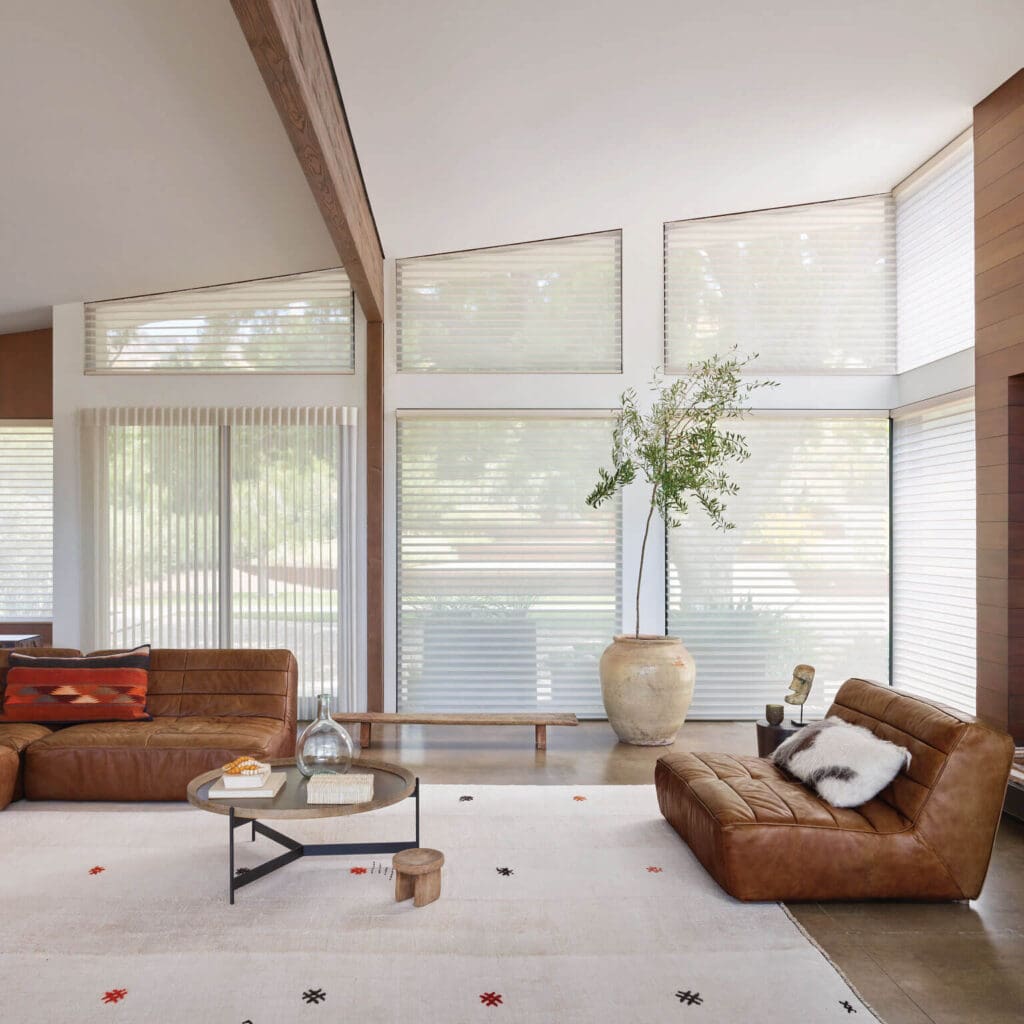
Depending on your design goals, you may prefer the soft folds of a Roman-style shade, the light control of a sheer shading, or a treatment selected for privacy and room darkening.
The motorization system and the window treatment should be chosen together. Consider how the fabric looks when raised, how much light you want to filter, and whether the window is easy to reach.
You can explore our Hunter Douglas shades and motorized window treatment services to see how these options fit into a complete custom design.
What If You Already Have an Older PowerView System?
If your home already has PowerView shades, do not assume that a new Gen 3 remote or gateway will automatically work with the existing equipment.
Hunter Douglas has changed the electronics and communication system across generations. Older Legacy PowerView shades use their corresponding Legacy accessories, while Gen 3 shades require Gen 3-compatible controls.
The Pebble holder may look familiar across generations, but the remote module inside it is what determines compatibility. Even if two controllers appear similar, their underlying technology may differ.
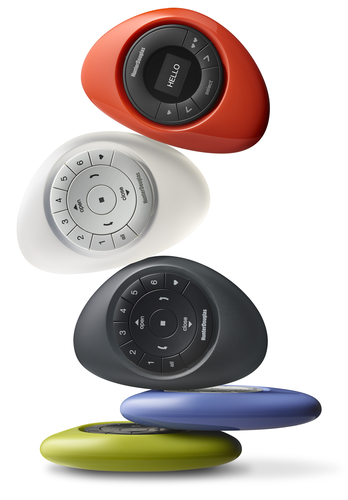
Homes can have a mixture of older and Gen 3 shades, but each generation needs its appropriate hardware and configuration. If you are adding new automated treatments to an existing system, have your current equipment identified before selecting the new controls.
What Should You Plan Before Installation?
Before choosing automated shades, walk through each room and consider how you will actually use the windows.
- Power: Confirm the available battery-powered or wired options for your chosen products and windows.
- Controls: Decide whether you prefer a handheld remote, app access, or supported smart-home integration.
- Number of windows: Consider whether the system will eventually extend beyond one room.
- Daily routines: Identify where saved Scenes and scheduled adjustments would be genuinely useful.
- Existing equipment: Check the generation of any PowerView shades already in your home.
Professional planning is especially helpful for tall windows, unusual window shapes, and homes with several treatment styles. The goal is to make the technology feel natural to use rather than introducing controls you will rarely need.
Explore PowerView Automation at Window Works Studio
The best PowerView setup is not necessarily the most complicated one. It is the one that gives you the right amount of control for your home, your windows, and the way you live.
As a Hunter Douglas Gallery Dealer in Jamestown, Window Works Studio can help you compare compatible window treatments, discuss control options, and plan a custom motorization solution for your space.
Visit our showroom or contact Window Works Studio to schedule a design consultation and talk through your PowerView options.